
Dawn of War 4 Army Painter: Custom Schemes That Read Well
Dawn of War 4 includes the Army Painter at launch. Here is how to build a custom scheme that looks right, stays readable in multiplayer and fits each faction.
Quick answer: Dawn of War 4 ships with the Army Painter, an in-game tool for customizing your army's color scheme. It is a cosmetic feature: it changes how your units look, not how they perform. The best schemes use three main colors, keep high contrast and stay readable at a zoomed-out camera.
The Army Painter matters more in an RTS than in a shooter. You spend most of the match looking at small units from a distance, and a scheme that looks great in a close-up can turn into a blurry blob on the battlefield. The goal is a scheme that reads at a glance.
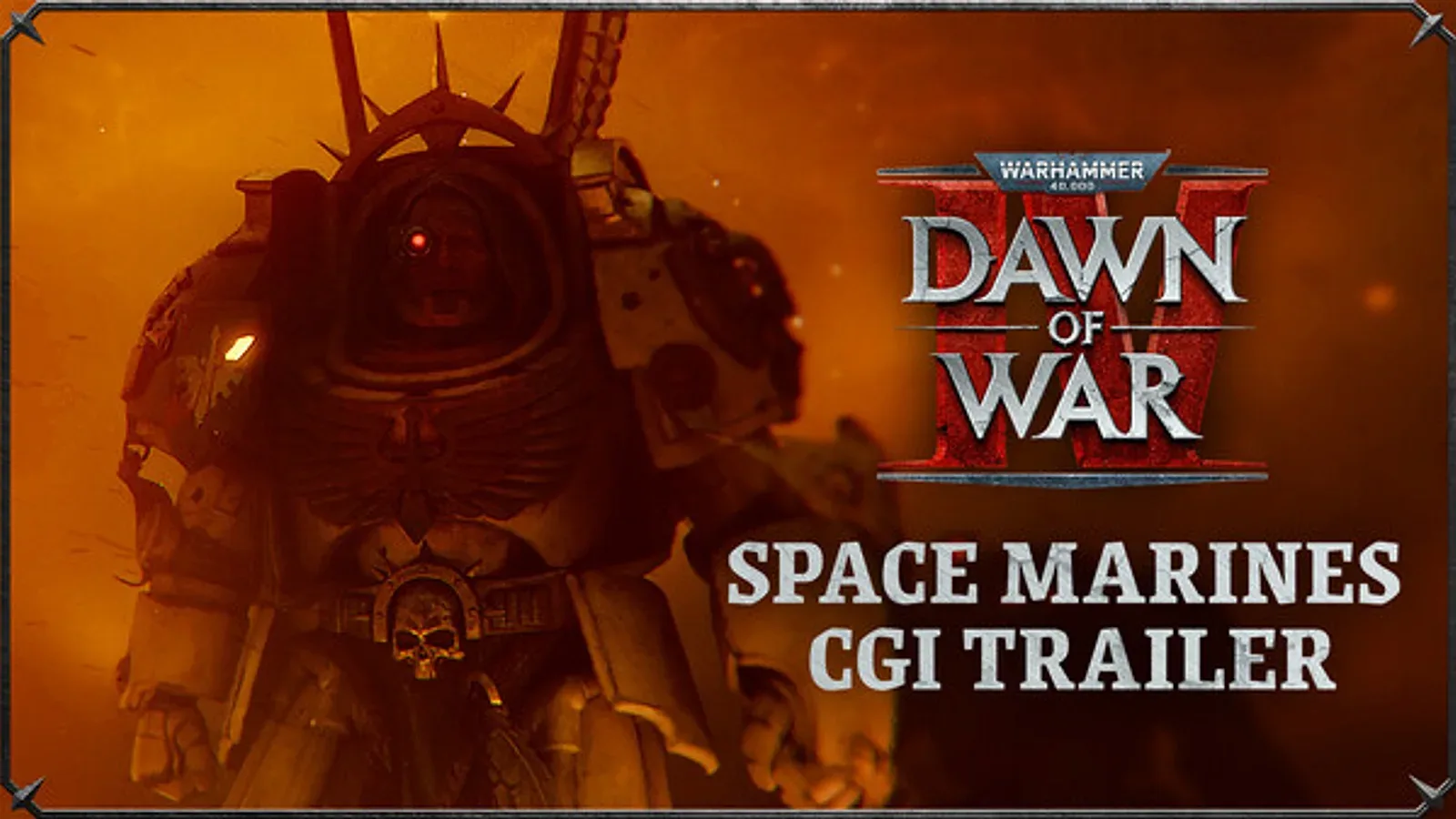
This page covers what the feature is, how to plan a scheme and the faction-specific pitfalls. For the army rosters, see the Dawn of War 4 factions guide→.
Official source: Warhammer 40,000: Dawn of War IV on Steam ↗ — official release date, factions, modes and system requirements.
A scheme that looks good in a close-up can vanish at campaign zoom. The Dawn of War 4 Space Marines guide→ shows how chapter colors read in play.
What the Army Painter does
The Army Painter is a customization tool included with the base game. It lets you change the colors of your army so that your Space Marines, Orks, Necrons or Adeptus Mechanicus do not have to use the default chapter or clan colors.
It is not a unit editor. You are not changing stats, weapons or abilities. You are changing the visual identity of your force.
The feature is part of the launch package, not a Year One update. It is available to both Standard and Commander Edition owners.
The exact sharing and import options have not been detailed. Do not assume you can download another player's scheme or export yours as a file until the developer confirms it.
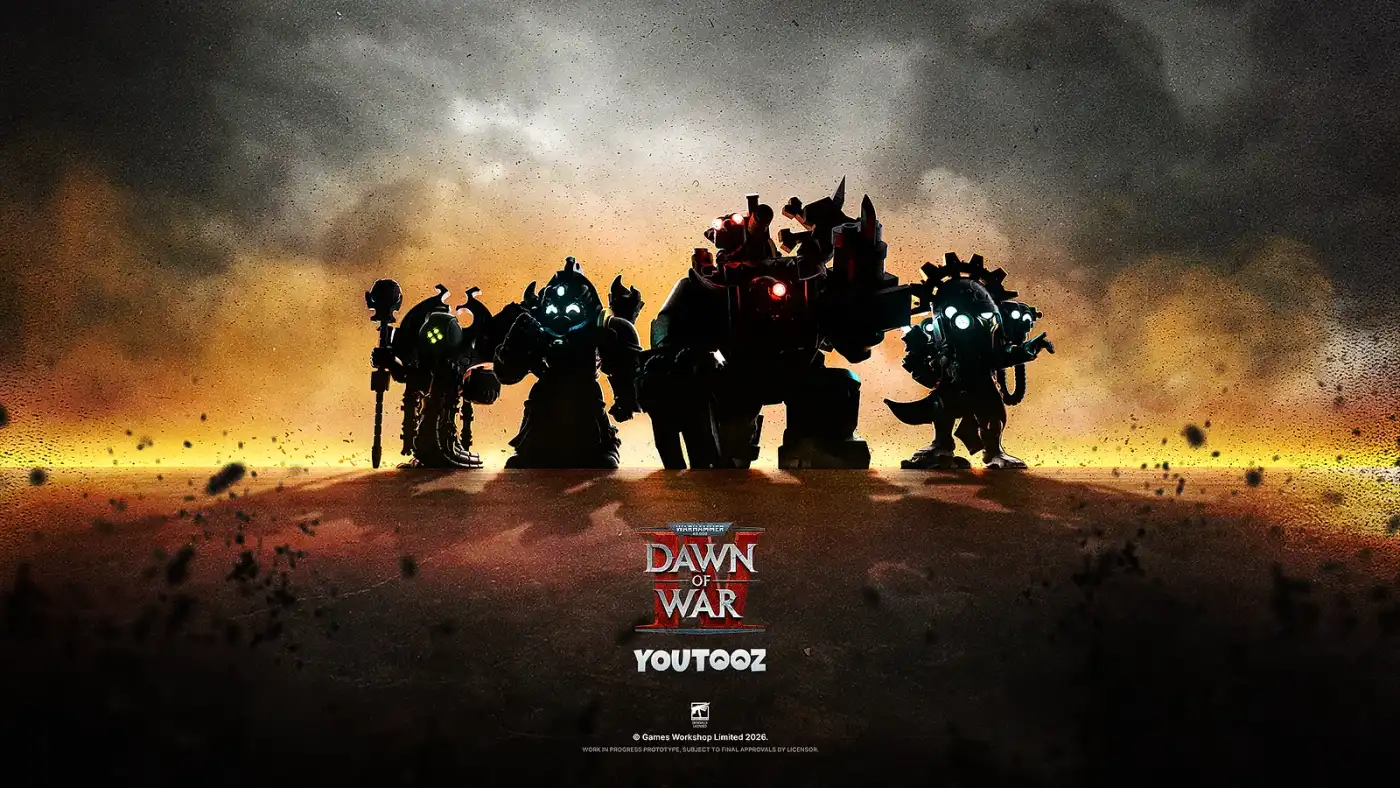
Why a good scheme matters in an RTS
In a close-up screenshot, any scheme can look fine. In a real match, you are looking at:
- Dozens of infantry silhouettes at 50% zoom.
- Your units mixed with allied units in team games.
- Enemy units in the same color space.
- Spell effects and cover indicators on top of the models.
A scheme with low contrast disappears into the terrain. A scheme with too many colors becomes visual noise. A scheme that is too close to the enemy's default colors creates friendly-fire confusion, especially in 2v2.
The solution is the same as tabletop miniature painting: pick a dominant color, a secondary color and an accent, then use value contrast to separate the parts.
The three-color rule
A reliable scheme uses three main colors:
- Dominant color: the largest area, usually the armor or body.
- Secondary color: cloth, shoulder pads, weapons or trim.
- Accent color: eyes, lenses, banners or small details.
Then add a neutral (black, bone, grey or metal) for weapons and joints. That is four colors total, which is enough to look deliberate without becoming busy.
For example:
- Blood Ravens-inspired: deep red armor, bone shoulder pads, black weapons, green lenses.
- Dark Angels-inspired: dark green armor, bone trim, red lenses, black weapons.
- Ork clan: dark green skin, rust-brown armor, yellow accents, black weapons.
- Necron dynasty: dark metal body, silver edge highlights, green energy, black joints.
- AdMech forge world: red robes, cream armor, dark metal weapons, blue-white lenses.
These are starting points, not rules. The point is to commit to a dominant color and let the others support it.
Contrast: the thing that makes units readable
Contrast is the difference between light and dark. At a distance, contrast is more important than hue. A red army with black shadows and bone highlights reads better than a red army with dark red shadows and mid-red highlights.
Three ways to add contrast:
- Value contrast: pair a dark armor with a light trim, or a light armor with dark weapons.
- Temperature contrast: pair a warm red with a cool blue-grey, or a cold green with a warm bone.
- Saturation contrast: keep most of the model muted and use one saturated accent for lenses and energy.
The last one is especially useful for Necrons. A fully metallic army can blend into grey terrain; a bright green energy accent gives the eye something to track.
Faction-specific pitfalls
Space Marines
Space Marines have large, flat armor panels, so a single bold color works well. The risk is making the army look like a toy: a bright red with no shading reads as plastic.
Use a darker version of the main color for the shadows and a bone or silver trim for the edges. Keep the lenses a contrasting color (green on red, red on green, blue on bone).
If you are playing Dark Angels, the bone trim is the identity marker. Do not skip it; without the bone, the army reads as generic green Space Marines.
Orks
Orks are visually busy: green skin, scrap armor, guns, banners. A scheme with too many colors turns into a mess.
Pick one clan color for the armor and one accent for the banners. Keep the skin green (or a consistent alternative) and let the armor do the work. Rust and brown are good neutral bases because they fit the Ork scrap aesthetic.
Necrons
Necrons are the hardest faction to make readable. Their bodies are metallic and their silhouettes are thin, so a low-contrast scheme disappears.
Use a dark metal body with a bright edge highlight and a strong energy color. Green is the classic, but blue, orange or purple work if you keep the energy consistent across the army.
Do not make the entire army one flat silver. It will look like a grey blob at campaign zoom.
Adeptus Mechanicus
AdMech units are a mix of robes, cybernetics and machines. The risk is visual inconsistency: the infantry, the vehicles and the knights can look like three different armies.
Use the robe color as the unifying element and repeat it on vehicle panels. Keep the metal parts a consistent dark tone, and use one accent for lenses and energy.
Multiplayer readability
In 1v1, you only need to distinguish your units from the enemy's. In 2v2, you also need to distinguish your units from your ally's.
- Do not use the enemy faction's default colors if you can avoid it.
- Do not use the same scheme as your ally in team games; coordinate before the match if you can.
- Use a bright accent that appears on every unit, so your eye can find your army in a crowd.
- Avoid full camouflage schemes; they work in screenshots and fail in motion.
A simple rule: if you cannot tell your units apart at a glance in a clump, the scheme is not done.
Planning a chapter or clan identity
The Army Painter is at its best when the scheme tells a story. A few prompts:
- A successor chapter: pick a parent chapter's colors and invert them, or swap the trim.
- A ruined regiment: muted armor, rust, battle damage colors.
- A forge world: one dominant metal, one robe color, one energy color.
- A Necron dynasty: a metal tone and an energy color that match the dynasty's lore.
You do not need to follow the official heraldry. The tool is cosmetic, and a custom scheme is a personal signature.
What we do not know yet
The announcement confirms the Army Painter is in the game, but several details are unconfirmed:
- Whether schemes can be shared or imported.
- Whether there is a color picker or a fixed palette.
- Whether decals and chapter symbols are customizable.
- Whether the painter applies to campaign units, multiplayer units or both.
- Whether there are unlockable colors.
Treat those as open questions until the game launches. The core feature, custom colors, is confirmed.
The Army Painter does not change stats, abilities or unit sizes. A custom scheme is a visual choice, not a competitive advantage. Pick the one you enjoy looking at for a 40-minute match.
FAQ
Does Dawn of War 4 have an Army Painter?
Yes. The Army Painter is included at launch and lets you customize your army's colors.
Does the Army Painter affect gameplay?
No. It is cosmetic. It does not change stats, abilities or unit performance.
Can you share custom schemes in Dawn of War 4?
Sharing and import options have not been detailed. The core color customization is confirmed; sharing is not.
Which factions can use the Army Painter?
All four launch factions: Space Marines, Orks, Necrons and Adeptus Mechanicus.
Sources
- Warhammer 40,000: Dawn of War IV on Steam ↗ — Army Painter feature listing.
- Dawn of War IV Steam news hub ↗ — feature announcements.
- Dawn of War IV official site ↗ — game overview.